
01
Consultation
We talk about your business, what the website should do and your budget. Free, over WhatsApp or a video call.
1 day
Restaurants & cafés
Your menu with photos and prices, opening hours, directions and order buttons for WhatsApp or delivery apps, on one site that loads quickly on a phone. When a price or dish changes, you update it from the admin panel.
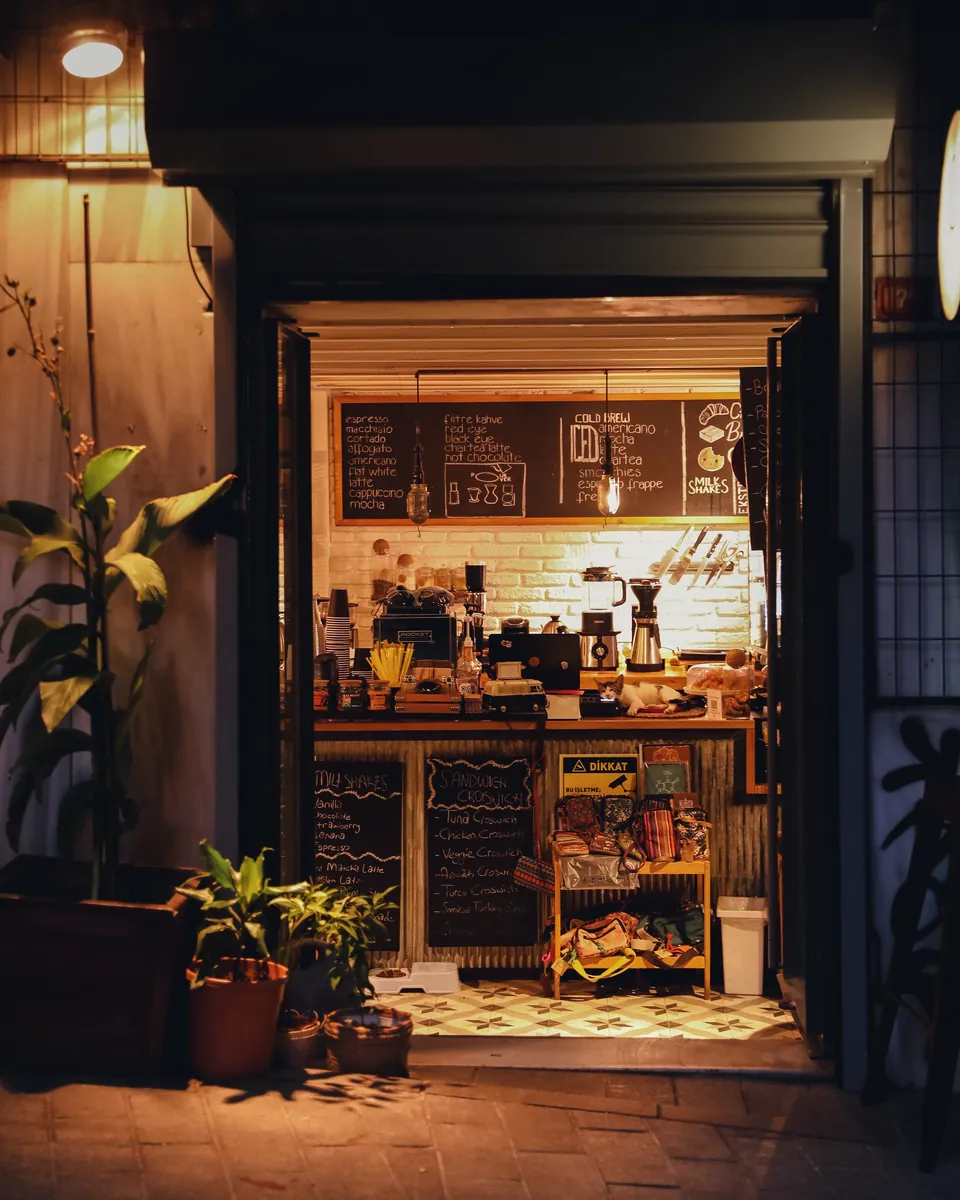
Most people choose where to eat on their phone, often minutes before heading out. They check the menu, the price range, the hours and whether the place suits a work lunch, a family dinner or a quiet coffee alone. A menu posted as a photo or a PDF is hard to read on a small screen, and the prices are often out of date.
NextTML is a Jakarta web studio that builds websites for coffee shops, family restaurants, caterers and food businesses with several outlets. We publish the menu as a proper, searchable page with photos, prices, short descriptions and labels for spicy, vegetarian or sold-out items. For expat and tourist guests, the menu can sit in English next to Indonesian, so nobody has to guess what sayur asem is.
You don't have to leave GoFood, GrabFood or ShopeeFood. We link to your shop on those apps and add WhatsApp buttons for pick-up orders that open a chat with the dish name already filled in. If you'd rather take orders and payment on your own site without delivery-app commission, that's an online store build.
For most restaurants and cafés we recommend a company profile website on the Business plan: an admin panel for the menu and opening hours, WhatsApp integration, advanced SEO and a free domain and hosting for one year. It usually takes 1–2 weeks. Table bookings with time slots and party-size limits are a custom feature and take 2–4 weeks.
01
Ingredient costs rise, seasonal dishes come and go, and some items sell out by mid-afternoon. If every change waits on a designer, the menu online falls behind the one at the till.
02
What time do you close, is there parking, can I bring my dog. Whoever answers the messages is usually also serving guests.
03
Some guests order through delivery apps, some on WhatsApp, some walk in. They need to know which options you offer, and you need one page that sends them the right way.
04
Birthdays, team dinners and private room hire are often arranged by phone and a notebook. Clear capacity, packages and booking steps cut down the back-and-forth.
05
Guests ask about halal certification, vegetarian options and allergens such as peanuts or shellfish. A clear answer on the menu saves time and avoids mistakes at the table.
Dishes grouped by category, each with a photo, price, short description and labels such as spicy, vegetarian or new. Mark something sold out from the admin panel without waiting for us.
Daily hours, holiday hours and a page for each outlet with its own address, Google Maps pin and WhatsApp number.
Links to your GoFood, GrabFood or ShopeeFood shop, plus WhatsApp buttons for pick-up orders with the dish name already in the message.
A form with date, time, party size and notes, sent to WhatsApp and the admin panel for you to confirm. Capacity limits per time slot can be added as a custom feature.
Live music nights, set menus, birthday packages and a catering request form for offices. Past events drop off the page on their own.
A QR code linked to your menu page, ready to print for tables or the counter. A price change never means reprinting it.
This structure is a starting point; we adapt the pages and their order to your business.
/
Photos of the space, signature dishes, today's hours and order buttons.
/menu
The full menu by category with photos, prices and dietary labels.
/locations
Address, map, hours, parking and WhatsApp for each outlet.
/reservations
A form to book a table or private room by date, time and party size.
/events-catering
Upcoming events, party and meeting packages, and a catering request form.
/about
Your story, where the ingredients come from and the kitchen team.
/gallery
Food, the dining room and past events.
The right package
For the needs above, the Business package is usually enough. We confirm the exact scope in a written quote after the consultation.
Service
Your company's official website: who you are, what you do and how to reach you. Built for small businesses, service firms and larger companies that need to look credible when prospects look them up.
See company profile websiteA simple company profile site usually takes 1–2 weeks, an online store 2–4 weeks. For web applications we send a written schedule after the consultation.
We talk about your business, what the website should do and your budget. Free, over WhatsApp or a video call.
1 day
We plan the page structure and the design. You give feedback before any code is written.
3–5 days
The approved design becomes a working website, with an admin panel if your plan includes one.
depends on scope
You try everything on a test address. Once it is right, we connect the domain, HTTPS and sitemap.
2–4 days
We fix bugs and answer questions for the support period of your plan.
1–12 months
Something else? Ask us on WhatsApp. We reply the same day during working hours.
Ask on WhatsAppYes, from the Business plan. You or your staff can swap photos, prices and descriptions, add seasonal dishes or mark items sold out from the admin panel on a phone or laptop. The Starter plan has no admin panel, so menu changes go through our team.
Yes, but that makes it an online store: a cart, payment by QRIS, bank transfer or e-wallet, and an order dashboard. It takes 2–4 weeks. If your online orders are still modest, delivery-app links and WhatsApp are usually enough to start.
Yes. We can build the site in both languages with a switch in the menu bar. Dish names can stay in Indonesian with a short English description underneath, which usually reads better than a literal translation.
Google Maps listings come from your Google Business Profile, which is separate from the website. We make sure your name, address, hours and phone number match on both and link them together. Where you appear in results is up to Google, so we don't promise rankings.
Ideally your own kitchen, because guests will compare the photo with the plate that arrives. Bright, tidy phone photos are fine to start with. We resize and compress them so the menu page stays light.
Free, no strings attached. We reply the same day.